

You click "Share" on a photo of your home office, and suddenly your location, camera model, and even the exact time you took the picture are broadcast to anyone who downloads it. This isn't just an inconvenience; it's a privacy leak that happens every day. The problem is that files carry hidden baggage-metadata-that reveals more than you intend. You need a way to scrub this data before sharing, but you don't want to install heavy software or trust shady websites with your documents.
The good news is that you can remove metadata from images, videos, PDFs, and Office documents across any operating system without installing a single program. By using browser-based tools or portable applications, you keep your files private and your device clean. Here is how to do it safely and effectively.
Why Metadata Removal Matters for Privacy
Metadata is technical data embedded inside your files. For photos, this includes EXIF (Exchangeable Image File Format) tags like GPS coordinates, shutter speed, and camera serial numbers. For documents, it holds author names, edit history, and creation dates. Video files store similar info in container headers.
If you share a raw file via email or upload it to a forum, all this information travels with it. While social media platforms often strip some data automatically, they don't catch everything, especially in direct messages or file attachments. Leaving this data intact can expose your location, identify the device you use, or reveal sensitive project details. Removing it is a simple step toward digital hygiene.
Browser-Based Tools: The Easiest No-Install Option
The most accessible way to clean files without installation is through web applications. These tools run directly in your browser, meaning they work on Windows, macOS, Linux, ChromeOS, Android, and iOS equally well. You just open the tab, drop your file, and download the cleaned version.
However, not all web tools are created equal. There are two main types:
- Server-side processors: You upload the file to their server, they strip the metadata, and you download the result. This works, but it requires trusting the service provider with your content. If the site logs uploads or has weak security, your private data could be exposed.
- Client-side processors: The processing happens entirely within your browser using JavaScript or WebAssembly. The file never leaves your computer. This is the gold standard for privacy because there is no risk of server-side leaks.
For maximum safety, look for tools that explicitly state they process files locally. A great example is Vaulternal's metadata remover, which uses client-side technology to ensure your files stay on your device. It supports a wide range of formats including JPG, PNG, MP4, PDF, and DOCX, making it a versatile choice for mixed workflows.
Portable Desktop Apps: Power Without Installation
If you have large batches of files or need more granular control, portable desktop applications are a strong alternative. Unlike traditional software, these don't require an installer. You download a single executable file (like an .exe on Windows or an AppImage on Linux), place it in a folder, and run it. When you're done, you can delete it, leaving no trace on your system.
Many of these tools wrap around powerful command-line utilities. For instance, ExifTool is a legendary Perl-based utility that can read and write thousands of metadata tags across hundreds of file formats. It’s incredibly robust but requires typing commands into a terminal, which intimidates many users.
To bridge this gap, developers create GUI wrappers like ExifCleaner or MetadataZero. These apps provide a drag-and-drop interface while leveraging ExifTool’s engine under the hood. They are truly cross-platform and offer deep cleaning capabilities that basic web tools might miss, such as removing specific IPTC or XMP fields while preserving others.
| Method | Privacy Level | Ease of Use | Best For |
|---|---|---|---|
| Client-Side Web Tool | High (No Upload) | Very High | Quick, occasional cleaning of mixed file types |
| Server-Side Web Tool | Low (Upload Required) | High | Non-sensitive files when offline tools aren't available |
| Portable Desktop App | High (Local Processing) | Medium | Batch processing, large files, granular control |
| Built-in OS Features | High (Local) | Low/Medium | Basic cleanup on native devices only |
Leveraging Built-In Operating System Features
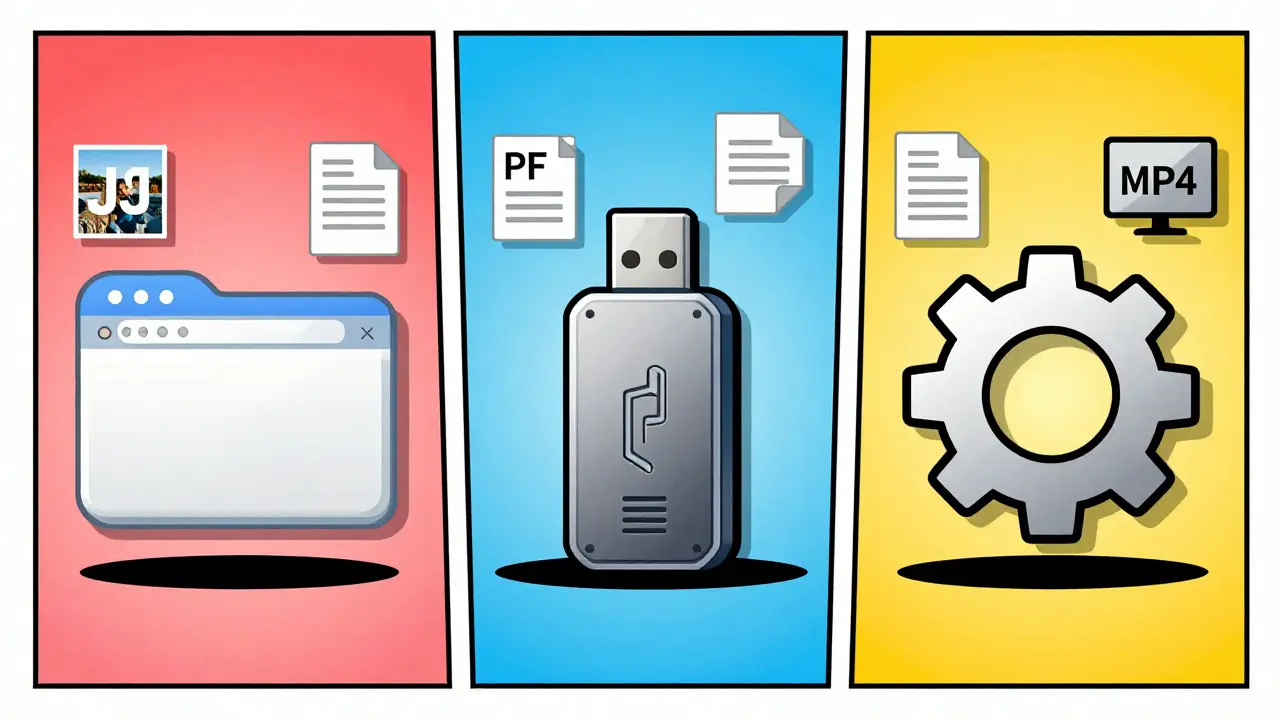
Sometimes you don't need any extra tool at all. Your operating system likely has built-in features to strip basic metadata, though they are often hidden and limited in scope.
Windows: Right-click any file, select Properties, then go to the Details tab. Click Remove Properties and Personal Information. You can choose to remove all properties or pick specific ones. Note that this creates a copy of the file with stripped metadata; it doesn't always modify the original in place.
macOS: Open an image in Preview. Go to Tools > Show Inspector (or press Cmd+I). In the GPS tab, you can delete location data. For more thorough cleaning, exporting the image to a different format (like PNG from JPEG) often strips EXIF data, though this may affect quality.
Mobile Devices: Both iOS and Android allow you to share photos without location data. On iOS, when sharing a photo, tap Options and toggle off Location. On Android, Google Photos and the native gallery app offer similar settings to prevent geotagging during shares.
These built-in methods are convenient but fragmented. They rarely handle complex formats like PDFs or Office documents comprehensively, and they certainly aren't cross-platform solutions.
Understanding What Gets Removed
To use these tools effectively, you should know what kind of data is being targeted. Different file types store metadata differently.
- Images (JPEG, PNG, TIFF): Contain EXIF data (camera settings, GPS, timestamps), IPTC data (copyright, captions), and XMP data (extensible metadata). A good remover strips all three layers.
- Videos (MP4, MOV, MKV): Store metadata in atoms or boxes within the container. This includes recording date, device model, and editing software info. Lossless removal copies the video stream byte-for-byte, changing only the header.
- PDFs: Have an Info dictionary (author, title, creator) and an XMP stream. Some cleaners only wipe one, leaving the other intact. Comprehensive tools address both.
- Office Documents (DOCX, XLSX, PPTX): These are actually ZIP archives containing XML files. Metadata lives in core properties, application properties, and custom properties. Tracked changes and comments are also considered metadata and should be removed separately if needed.
When choosing a tool, check if it handles the specific format you need. A tool that only strips EXIF from photos won't help you sanitize a confidential PDF report.
Verifying That Metadata Is Gone
Trust is important, but verification is better. After cleaning a file, you should confirm that the sensitive data is actually gone. You can do this by re-uploading the file to a metadata viewer or using a local tool.
Many client-side web tools, including this browser-based metadata stripper, offer a "view" mode where you can inspect the metadata before and after cleaning. This transparency helps you understand exactly what was removed. For power users, running the cleaned file through ExifTool via command line (`exiftool filename.jpg`) provides a definitive check. If the output shows empty fields or missing tags, you’ve successfully sanitized the file.
Common Pitfalls to Avoid
Even with the right tools, mistakes happen. Here are common errors to watch out for:
- Assuming social media strips everything: Platforms like Facebook and Twitter remove most EXIF data, but they may retain some internal identifiers or fail to strip metadata from videos and documents fully.
- Ignoring sidecar files: RAW photo editors often create .xmp sidecar files that store edits and metadata. Deleting the main image but leaving the sidecar can still leak info.
- Using server-side tools for sensitive docs: Never upload legal, financial, or personal documents to unverified online cleaners. Stick to client-side or local options.
- Overlooking document revision history: Stripping author names from a Word doc isn't enough if tracked changes remain visible. Use a dedicated inspector to clear revisions.
By understanding these risks, you can choose the right method for each situation. For everyday sharing, a quick client-side web tool suffices. For high-stakes documents, combine a portable app with manual inspection.
Can I remove metadata from files on my phone without installing an app?
Yes, you can use browser-based tools that run in Safari or Chrome on your mobile device. Look for client-side processors that don't require uploading files. Alternatively, use the built-in sharing options in iOS or Android to disable location tagging before sending photos.
Is it safe to use online metadata removers?
It depends on the tool. Server-side removers upload your file to their servers, which poses a privacy risk. Client-side removers process files locally in your browser, so the data never leaves your device. Always prefer client-side tools for sensitive content.
Does removing metadata affect file quality?
No, proper metadata removal does not alter the visual or audio quality of your files. It only deletes the hidden text and data headers. The pixels in an image or the frames in a video remain identical.
What is the difference between EXIF, IPTC, and XMP?
EXIF contains technical camera data like GPS and settings. IPTC holds editorial info like copyright and captions. XMP is a flexible standard for storing various metadata types. A comprehensive remover should strip all three to ensure full privacy.
Can I batch process multiple files at once?
Yes, many browser-based tools and portable apps support batch processing. You can drag and drop dozens of files simultaneously. Portable apps based on ExifTool are particularly fast for large batches due to optimized backend processing.
Do free metadata removers add watermarks?
Reputable free tools, especially those focused on privacy, do not add watermarks. Watermarks defeat the purpose of anonymous sharing. Check the tool's policy beforehand, but client-side privacy tools typically avoid this practice entirely.
How do I verify that metadata has been removed?
You can use a metadata viewer tool, either online or local, to inspect the cleaned file. Many client-side removers include a preview feature. For ultimate verification, use command-line tools like ExifTool to check for remaining tags.
Are portable apps safer than installed software?
Portable apps are safer in the sense that they don't write registry keys or permanent files to your system, making them easier to remove. However, you must still download the executable from a trusted source to avoid malware. Verify checksums if possible.