

Imagine losing the only key to your house. Now imagine that house contains not just your furniture, but your life savings, and there is no locksmith who can help you get back in. This is the reality of owning cryptocurrency. Unlike a bank account where you can click "Forgot Password" and have support reset your access, digital assets rely entirely on Private Keys, which are mathematical secrets that grant absolute authority and direct control over digital assets on the blockchain. If you lose them, your money is gone forever. If someone else finds them, they take it instantly. There is no middle ground.
The stakes are incredibly high. We aren't talking about small amounts here; securing a wallet containing even 1.5 BTC could mean protecting over $100,000. Given that cryptocurrency transactions are irreversible, the margin for error is zero. Since Bitcoin's creation in 2008 by Satoshi Nakamoto, the principle of self-custody has been central to the ecosystem. You are your own bank, which means you are also your own security guard. Effective private key management isn't just a technical preference; it is the fundamental cornerstone of cryptocurrency ownership.
Understanding the Basics: What Are Private Keys?
To keep something safe, you first need to understand what it is. A private key is essentially a 256-bit random number. It looks like a long string of letters and numbers, but mathematically, it is the sole mechanism for accessing and transferring funds. When you sign a transaction, you are using this key to prove ownership without revealing the key itself to the public network.
Think of it like a signature on a check. The check (the transaction) goes into the wild, but the signature (created by the private key) proves you authorized it. However, unlike a pen signature, if someone steals your digital signature tool, they can forge any number of checks. That is why keeping the private key secret is non-negotiable. It provides true ownership of digital wealth through direct cryptographic control. Without effective key management, your assets remain vulnerable to theft and permanent loss, with no central authority capable of fund recovery due to the decentralized nature of blockchain networks.
The Golden Rule: Never Store Keys Online
If you take nothing else from this guide, remember this: never store your private keys or seed phrases in a digital format connected to the internet. This includes email, text messages, cloud storage services like iCloud or Google Photos, and even screenshots saved on your phone.
Why? Because malware exists. In 2023, the InQuest Data Breach Report identified that 74% of security breaches involved human error or credential misuse. Many users have lost significant holdings because they took a screenshot of their seed phrase, which automatically synced to a cloud service. Once that cloud account was compromised-or even if the cloud provider suffered a breach-hackers had instant access to the keys. Reddit communities are filled with stories of users who shared keys via WhatsApp or Telegram, assuming end-to-end encryption would save them. It didn't. Device compromises and cloud backups exposed those sensitive data points anyway.
Security professionals universally recommend against digital transmission of private keys. The moment a key touches an online device, it is potentially visible to malicious software. To stay safe, you must adopt an offline-first mindset. This leads us to the most reliable methods for storing these critical secrets.
Hardware Wallets: The Consumer Gold Standard
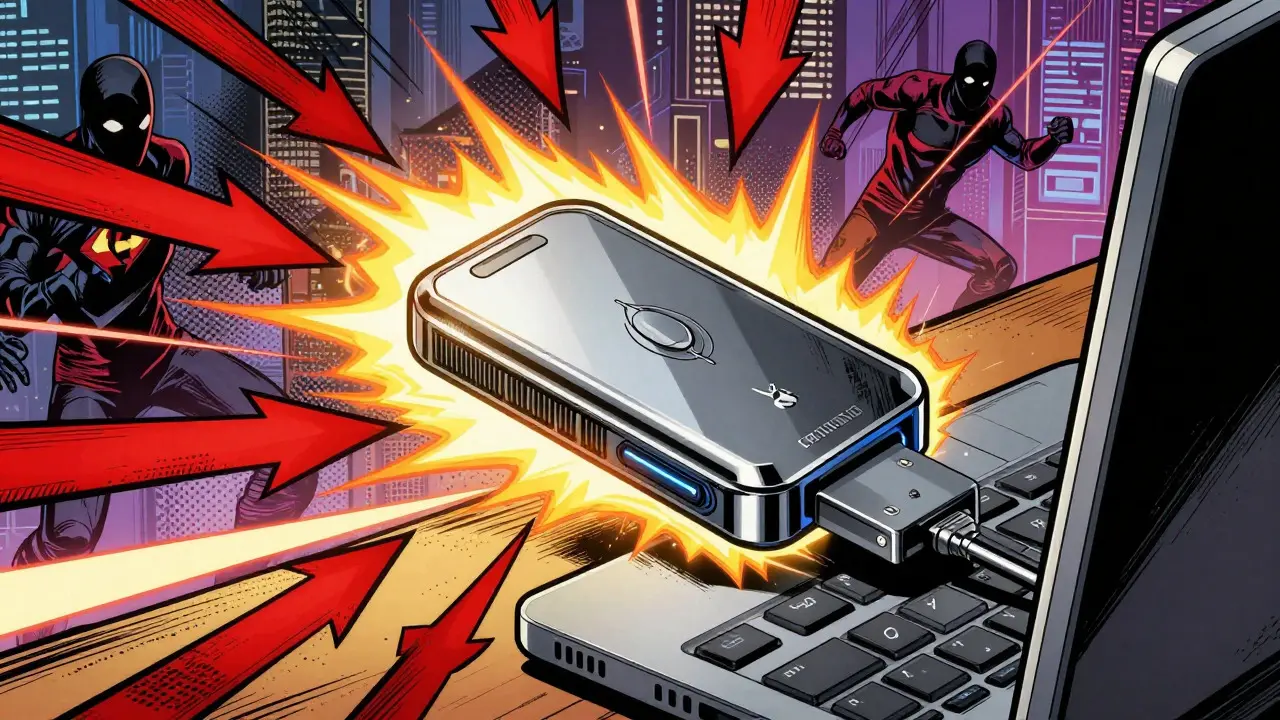
For most individuals, a hardware wallet is the best balance of security and usability. These devices act as consumer-grade alternatives to enterprise Hardware Security Modules (HSMs). They provide offline private key storage, meaning the keys never leave the device. When you want to send crypto, you plug the device in, approve the transaction on its screen, and the signature is created internally. The private key itself never touches your computer or phone.
Popular options include the Ledger Nano series and Trezor models. These devices typically cost between $50 and $200. While this might seem expensive compared to a free software wallet, consider the value of what you are protecting. These wallets often feature certified secure elements-tamper-resistant chips designed to protect against physical attacks.
Setting up a hardware wallet usually takes 1-2 hours. This includes initializing the device, updating firmware, writing down your seed phrase, and testing a small transaction. It’s a one-time investment of time that pays off for years. User testimonials from hardware wallet communities indicate high satisfaction rates, though the setup does require a learning curve. Most users need 4-8 hours of education and practice to feel fully competent with operations like multi-signature configurations or custom derivation paths.
Physical Backups: Paper vs. Steel
Your hardware wallet is only as good as your backup. If your device breaks or gets lost, you recover access using your seed phrase, which is a list of 12 to 24 words generated during wallet setup that allows full restoration of your private keys. How you store this phrase is critical.
In the early days of crypto, paper wallets were popular. You printed the keys on paper and stored them in a safe. But paper burns, rots, fades, and tears. Fire and water damage are real risks. Today, experienced users strongly favor steel backup plates. These are metal plates with pins or engraving mechanisms that allow you to stamp your seed phrase permanently into steel. They resist fire, water, corrosion, and physical impact.
Community consensus suggests storing multiple backup copies in geographically distributed locations. For example, keep one steel plate in a home safe and another in a bank safety deposit box. Users have reported successful recovery scenarios spanning 5-10 years using properly stored seed phrases. Just ensure that anyone you share this location with trusts implicitly, or use a legal structure like a trust to manage access after your passing.
Advanced Security: HSMs and MPC Technology
For institutions or high-net-worth individuals managing millions, consumer hardware wallets might not be enough. This is where Hardware Security Modules (HSMs) come in. HSMs are dedicated appliances costing $10,000 to $50,000 that provide enterprise-grade security. They offer tamper-evident hardware, certified random number generation, and secure key lifecycle management. In an HSM, private keys are configured as non-exportable, meaning they can never leave the secure hardware boundary. All cryptographic operations happen inside the enclave.
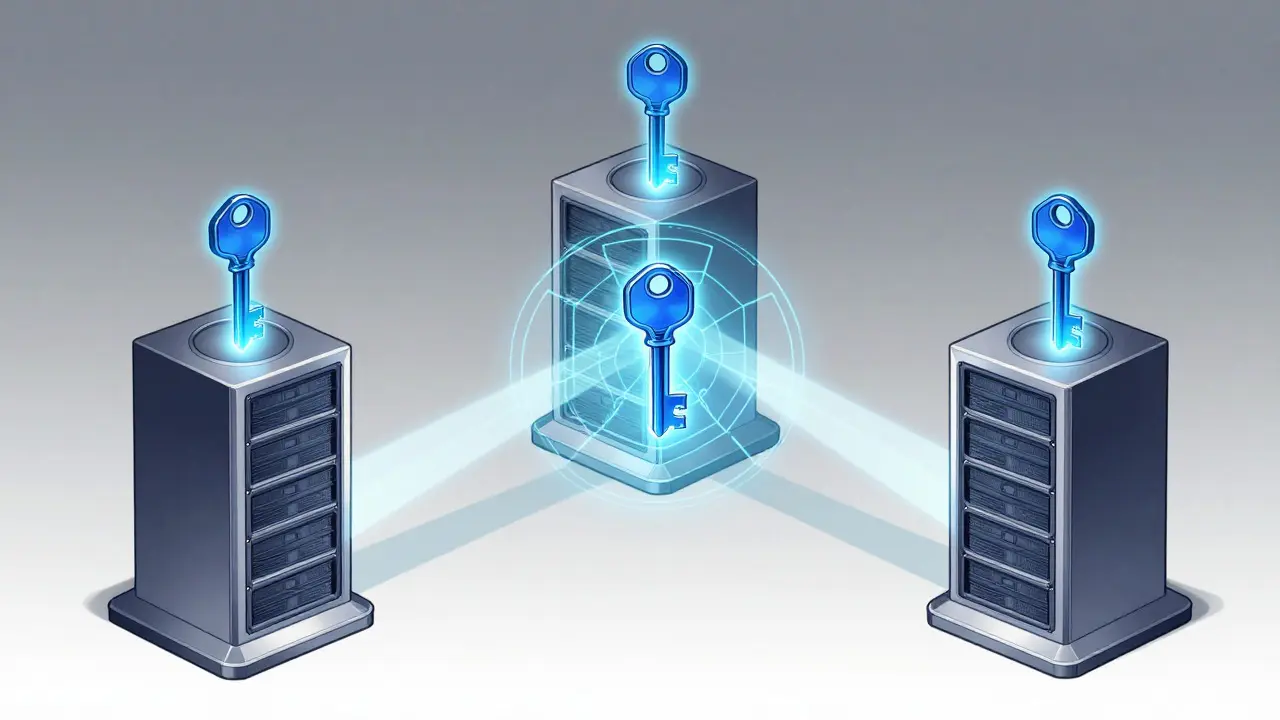
A newer technology gaining traction is Multi-Party Computation (MPC). MPC eliminates single points of failure by breaking the private key into encrypted shares distributed across multiple endpoints, such as three different servers or mobile devices. No single device ever holds the complete key. To sign a transaction, a quorum of endpoints must participate. This approach ensures that even if one device is hacked, the funds remain safe. It represents a shift from traditional key storage to distributed cryptography, maintaining mathematical integrity while removing the risk of a single compromised device.
| Method | Security Level | Cost Range | Best For | Risks |
|---|---|---|---|---|
| Software Wallets | Low | Free - $10 | Small daily holdings | Malware, OS vulnerabilities |
| Hardware Wallets | High | $50 - $200 | Individual investors | Device loss, poor backup |
| Paper Wallets | Medium | $5 - $20 | Cold storage archives | Fire, water, fading ink |
| Steel Plates | Very High | $50 - $150 | Long-term seed backups | Initial setup complexity |
| HSMs | Enterprise | $10k - $50k+ | Institutions, large firms | High cost, technical expertise |
Layered Security: Beyond the Key
Having a secure key is step one. Protecting the actions associated with that key is step two. Expert perspectives from leading cryptocurrency security firms emphasize layered security architectures and zero-trust principles. Fortanix security experts advocate for comprehensive authentication frameworks that extend beyond simple username/password combinations.
You should implement Role-Based Access Control (RBAC) if you are managing keys for a business. This ensures granular permissions management. For instance, an auditor might need to view transaction logs but should not have permission to authorize signatures with blockchain signing keys. The principle of least privilege governs access control policies, minimizing attack surfaces by restricting user permissions to only essential functions.
Additionally, always use hardware authentication tokens as second factors for transaction authorization. This adds a physical layer of verification that is much harder to bypass than SMS codes or app-based authenticators, which can be phished or cloned.
Common Mistakes to Avoid
Even with the best tools, human error remains the biggest threat. Here are specific pitfalls to avoid:
- Cloud Syncing: Never let your phone auto-sync photos or notes to the cloud if they contain key information. Turn off auto-upload for your camera roll when taking pictures of seed phrases (though writing them down is better).
- Digital Copies: Avoid typing your seed phrase into a Word document or Excel sheet. These files can be indexed by search engines or stolen via ransomware.
- Public Sharing: Never show your seed phrase to anyone, including customer support. Legitimate companies will never ask for it.
- Ignoring Firmware Updates: Keep your hardware wallet firmware updated to patch known vulnerabilities, but verify updates through official channels to avoid supply chain attacks.
- Single Point of Failure: Don’t keep all backups in one place. If your house burns down, don’t lose everything. Distribute copies securely.
Future-Proofing Your Security
The landscape of crypto security is evolving. Current developments focus on advancing MPC implementations and integrating biometric authentication methods. Recent updates in 2024 include new secure element chips offering enhanced tamper resistance and improved random number generation algorithms.
Looking ahead, the industry is preparing for quantum computing threats. Quantum computers could theoretically break current cryptographic standards. To address this, implementations of quantum-resistant cryptographic algorithms are expected by 2025-2026. While this may seem distant, long-term viability assessments suggest that hardware-based key storage will remain relevant, with particular emphasis on regulatory compliance features. As you secure your keys today, keep an eye on these advancements to ensure your methods remain robust against future technological shifts.
What happens if I lose my private key?
If you lose your private key and do not have a backup seed phrase, your cryptocurrency is permanently inaccessible. There is no central authority, password reset link, or customer support team that can recover it. The funds remain on the blockchain but are effectively lost forever.
Is it safe to store my seed phrase on my phone?
It is generally unsafe. Phones are connected to the internet and susceptible to malware, spyware, and cloud syncing errors. If your photo gallery syncs to iCloud or Google Photos, hackers who compromise your cloud account could see your seed phrase. Physical, offline storage like steel plates is significantly safer.
Do I need a hardware wallet for small amounts of crypto?
While software wallets are convenient for small, daily spending amounts, a hardware wallet is recommended for any amount you intend to hold long-term. The cost of a basic hardware wallet ($50-$100) is low compared to the potential loss of funds from a software wallet hack. Good habits start early.
What is Multi-Party Computation (MPC)?
MPC is a security method where a private key is split into multiple parts (shares) distributed across different devices. No single device holds the full key. To sign a transaction, multiple devices must cooperate. This eliminates single points of failure, making it harder for hackers to steal funds even if one device is compromised.
Can I write my seed phrase on paper?
Yes, but paper is vulnerable to fire, water, and fading ink. For long-term security, steel backup plates are preferred because they are durable and resistant to environmental damage. If you use paper, store it in a fireproof safe and consider replacing it with steel eventually.
How long does it take to set up a hardware wallet?
Initial setup typically takes 1-2 hours, including device initialization, firmware updates, and backing up your seed phrase. Achieving full competency with advanced features like multi-signature setups may require 4-8 hours of learning and practice.